
Access control for offices and buildings
Decide who can open each door and when, record every entry, and change access in minutes when people join or leave.
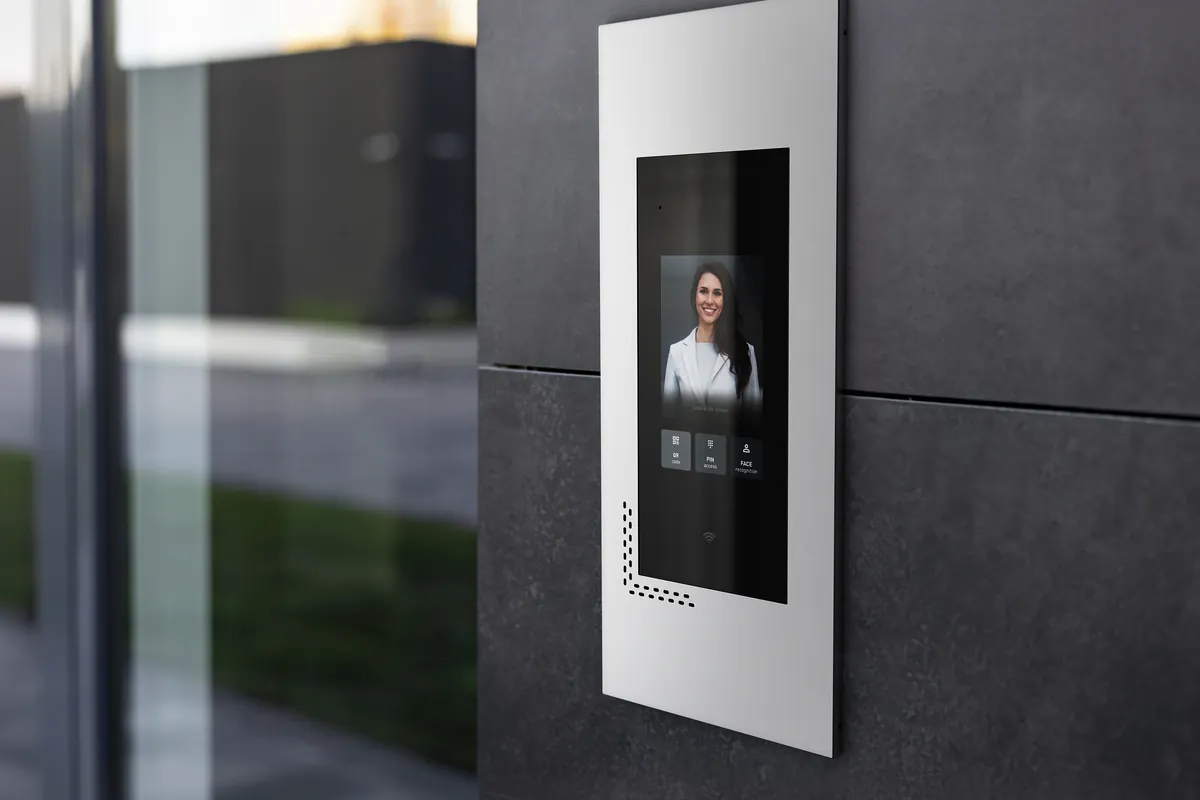
An access control system decides who can open each door and at what times. A reader at the door checks a card, PIN, fingerprint or face; a controller releases the lock and records the event; and management software is used to add users, set access levels and review logs. Teknetic designs, installs and programs access control for offices, compounds, data centers and plant rooms, and can coordinate it with CCTV, intercom and building automation.
What an access control system includes
Readers
Card, PIN, fingerprint or face readers at entrances, internal doors and restricted rooms.
Controllers & locks
Door controllers, electric or magnetic locks, exit buttons and door position contacts.
Access levels & schedules
Groups and time zones, so each person opens only the doors they need, only when they need them.
Event logs & reports
Every entry, refused attempt and door left open is recorded and can be reviewed or exported.
Fire & emergency release
Doors on escape routes set to release on a fire alarm signal, coordinated with the fire alarm contractor.
Links to other systems
Door events coordinated with CCTV, intercom and building automation where the chosen products support it.
Who we design it for
Offices
Main entrance, floors, server rooms and management areas.
Hotels
Back-of-house, staff areas and restricted rooms, alongside the guest room key-card system.
Compounds & buildings
Pedestrian gates, lobbies and shared facilities for residents and staff.
Data centers & plant rooms
Restricted access with a full record of who entered and when.
From survey to handover
Survey
We list every controlled door, how it is used and who needs access.
Design
Reader and lock type per door, controller locations and cabling on the drawings.
Installation
Our team installs the cabling, readers, locks and controllers.
Programming
Users, access levels and schedules set up with your administrator.
Testing
Each door tested, including power-loss and fire-release behaviour.
Handover & support
Administrator training, documentation and service agreements.
Common questions
Card, fingerprint or face: which is best?
Cards are quick and easy to issue and cancel. Fingerprint and face readers remove the need to carry a card and cannot be lent to someone else. Many sites use cards for general doors and biometrics for restricted rooms.
What happens to the doors in a power cut?
It depends on the lock chosen for each door. Escape-route doors are normally set to release, while secure rooms stay locked. Controllers can have battery backup. We agree the behaviour of each door during design.
Can it be installed on our existing doors?
Usually, yes. The lock type depends on the door and frame, which we check during the site survey.
Can our staff add and remove users?
Yes. We train your administrator to add users, change access levels and review the logs.
Can access control work with CCTV and the intercom?
Where the products support it, door events can be linked to camera recordings and the intercom can release the door. We confirm what is possible during design.